How to Connect a Hostinger Domain to Atomicat
Use this guide when your domain is registered at Hostinger and you want it to load an Atomicat site.
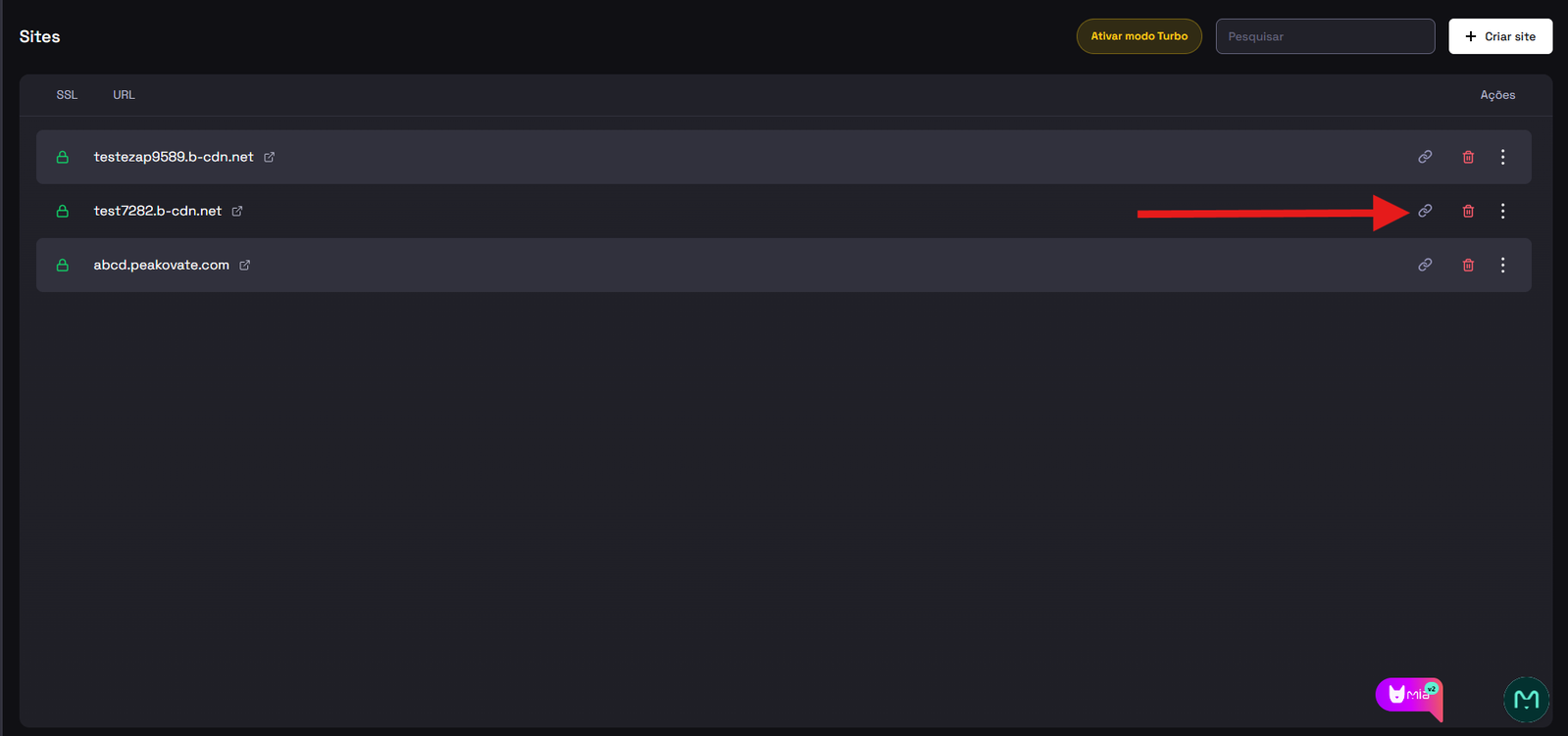
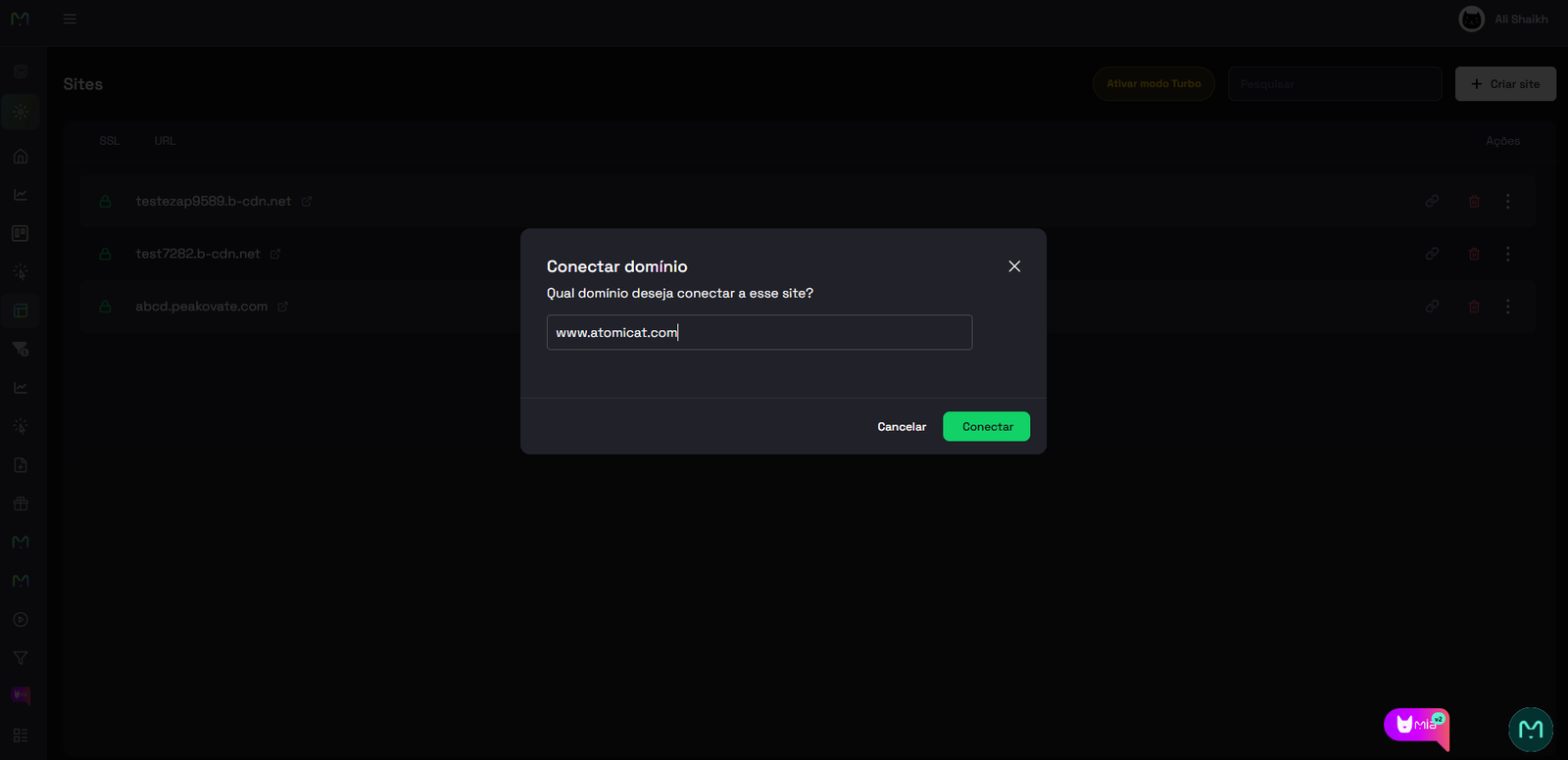
Before you edit DNS at Hostinger, open Sites in Atomicat, start the custom domain connection flow, and copy the DNS value shown in the Points to field.
Before you start
Make sure you have:
- Access to the Hostinger account that owns the domain.
- The DNS record value shown by Atomicat for your site.
- Hostinger nameservers active for the domain (required for DNS changes in Hostinger to work).
DNS is edited in Hostinger. Atomicat verifies the records after they are public.
Steps at Hostinger
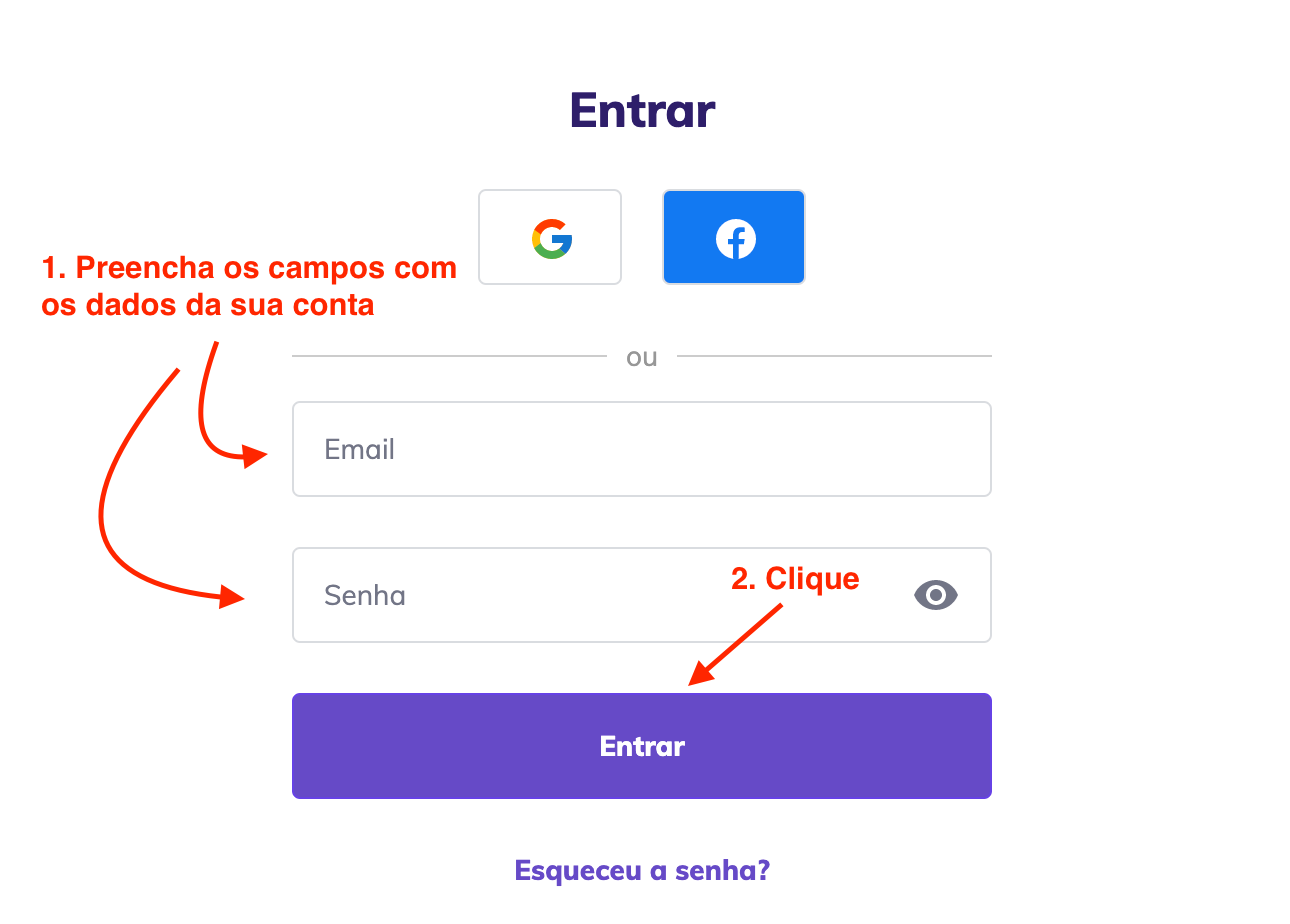
- Open the Hostinger Client Area and log in to your account.
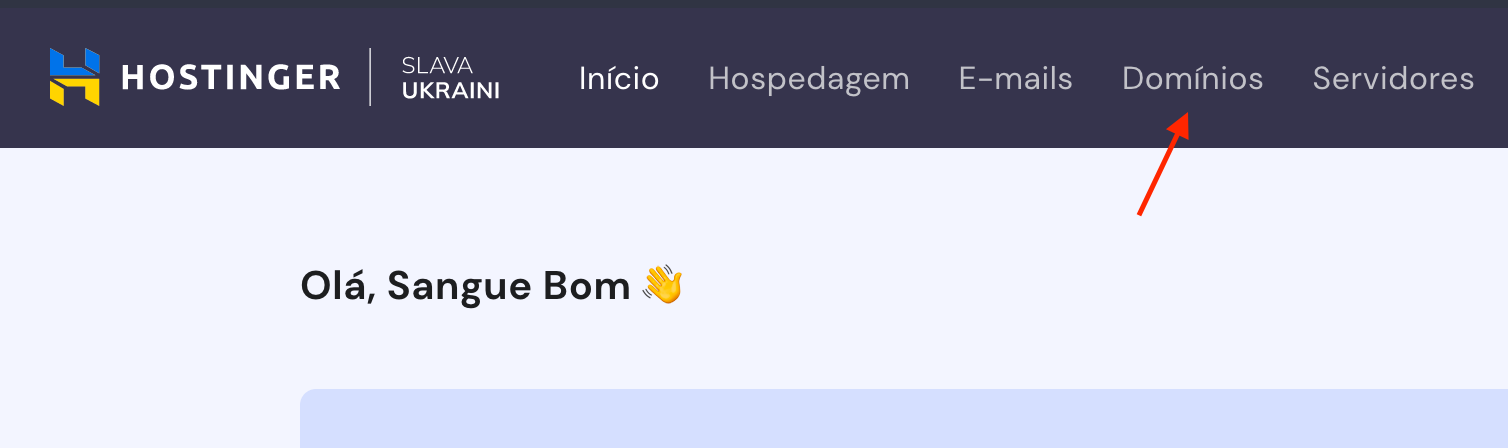
- Click Domains in the top menu.
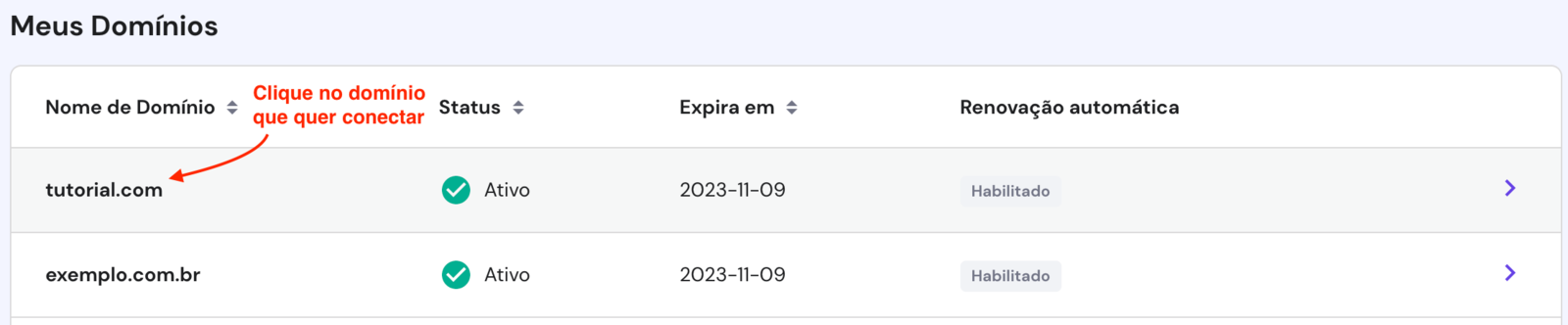
- Click the domain you want to connect to your Atomicat site.
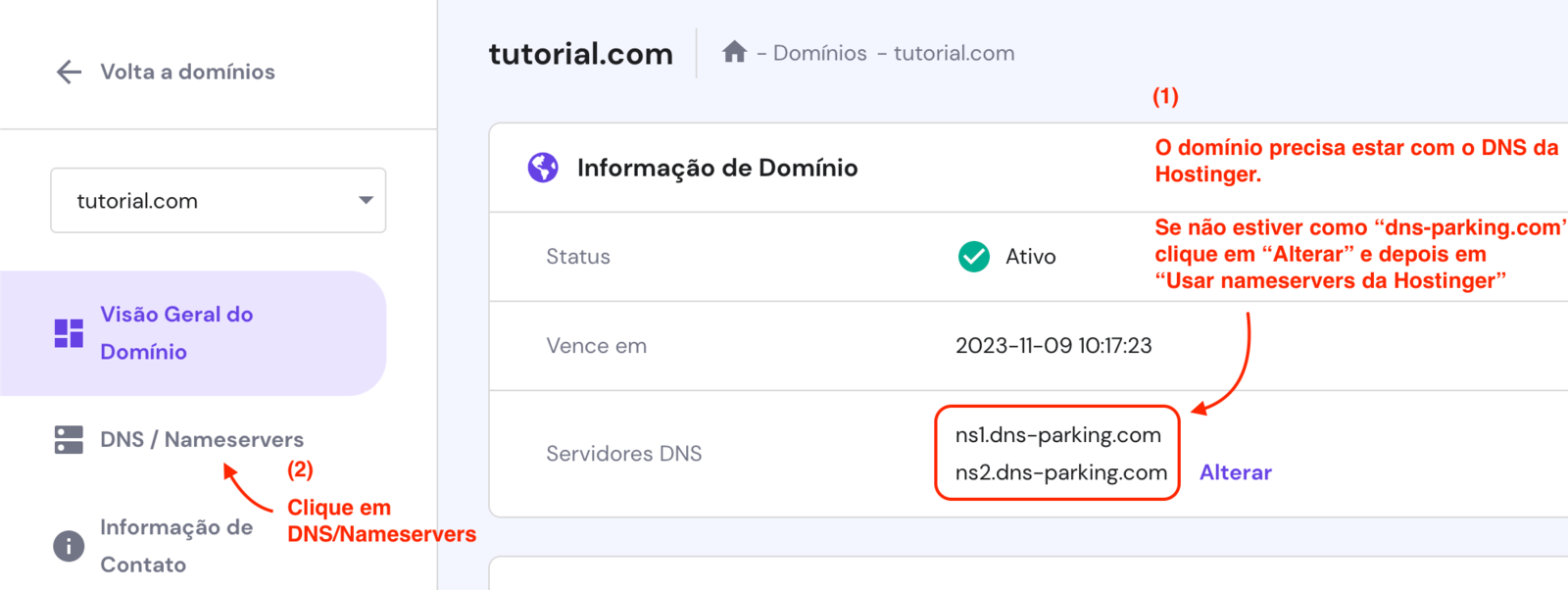
- The domain must use Hostinger nameservers for DNS management in Hostinger to work. If you are unsure, contact Hostinger support before continuing.
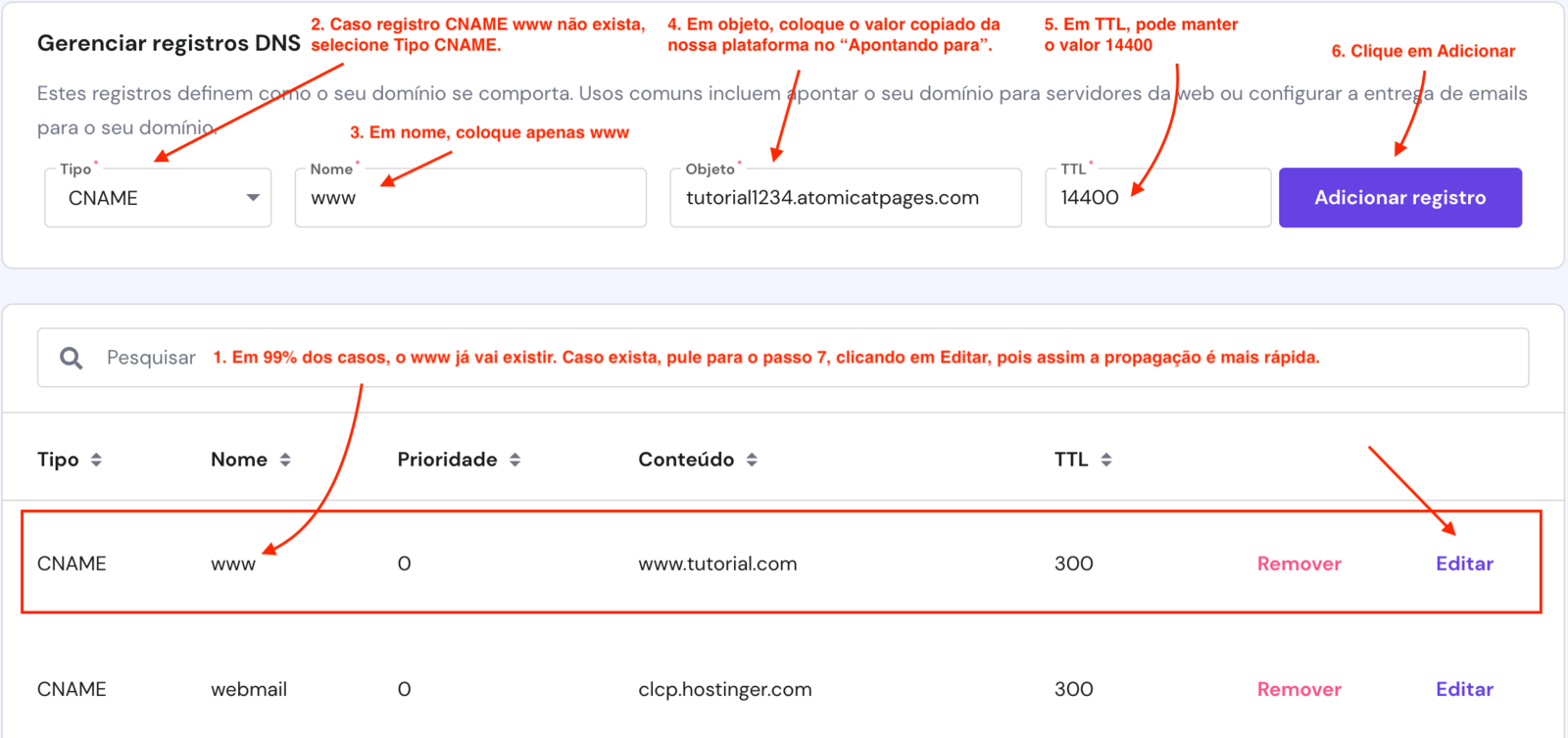
- You will usually see a
wwwCNAME record pointing to your domain. If it exists, click to edit it. If it does not exist, create the record. Propagation time depends on Hostinger, not on Atomicat.
- If you edit the existing
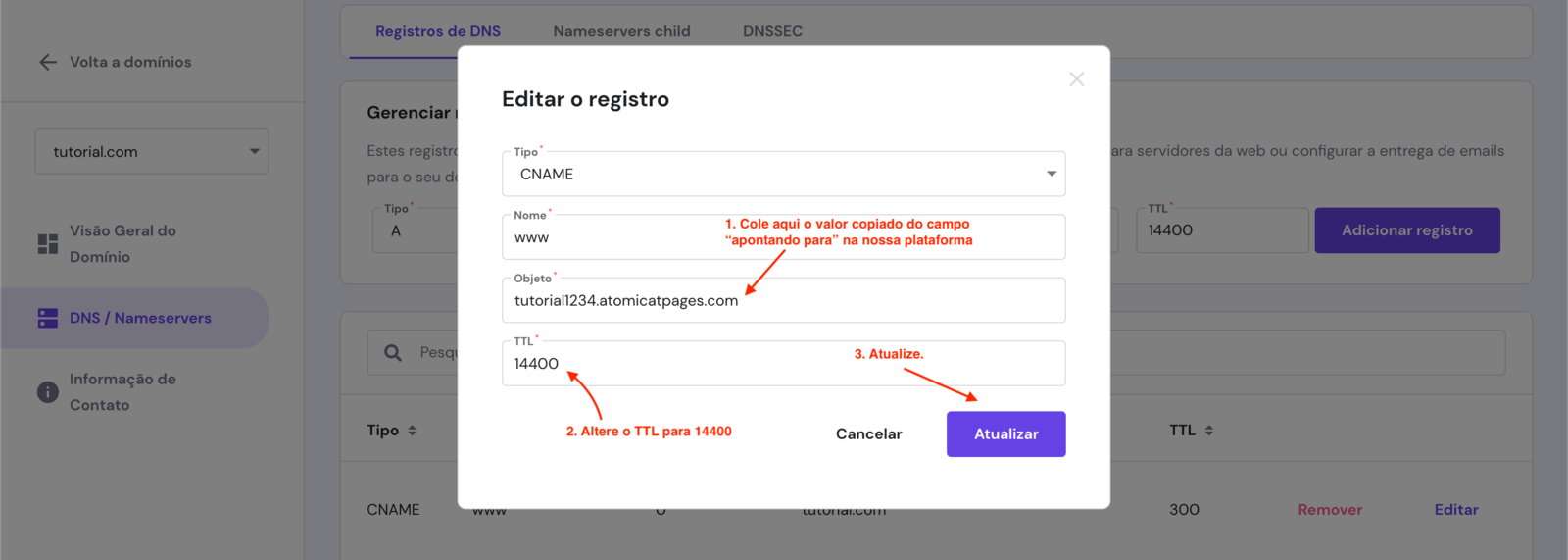
wwwCNAME, set Points to to the value copied from Atomicat and set TTL to 14400, then save.
- If you only edited the existing
wwwrecord, propagation often completes within 15 minutes. If you created a new record or changed other Hostinger settings, it can take up to 24 hours. After waiting, return to Atomicat and click Verify.
- If propagation is not complete, Atomicat shows an error like the one below. If your DNS settings are correct, wait a little longer. Propagation can take up to 24 hours and depends on Hostinger, not on Atomicat.
- When propagation is complete, verification succeeds as shown below. To use your own domain with HTTPS, complete SSL setup next.
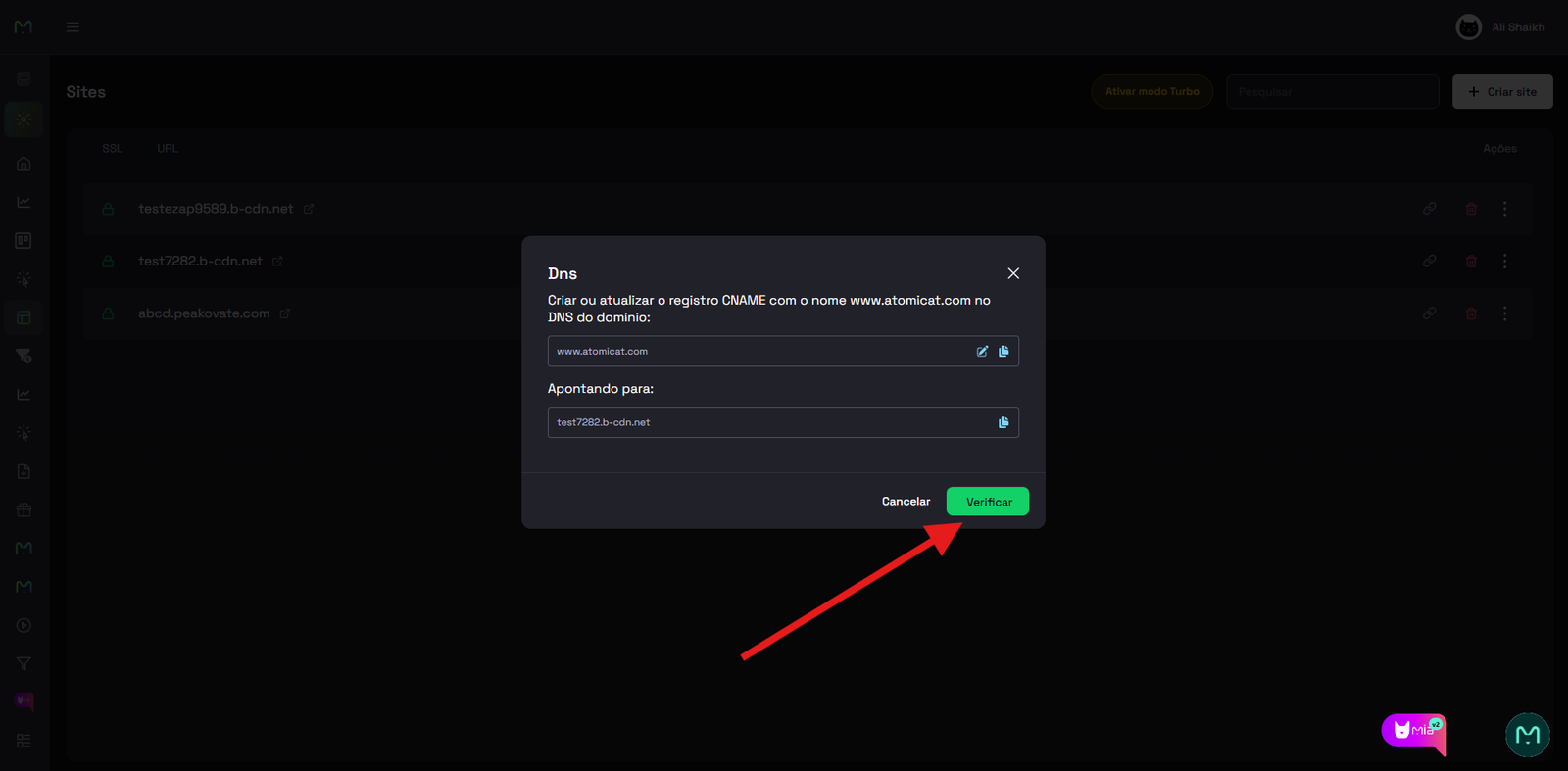
After verification
Follow the SSL guide to activate HTTPS for your connected domain.
Related docs
- How to connect a custom domain
- Connect a domain
- DNS records
- SSL
- How to connect a GoDaddy domain
- How to connect a HostGator domain
FAQ
Why must the domain use Hostinger nameservers?
Hostinger DNS changes apply only when the domain resolves through Hostinger nameservers. If the domain uses external nameservers, edit DNS where those nameservers are managed.
What TTL should I use for the CNAME?
Use TTL 14400 unless Hostinger recommends a different value for your plan.
How long does Hostinger propagation take?
Simple CNAME edits often propagate within 15 minutes. Larger DNS changes can take up to 24 hours.
Can I connect a subdomain instead of www?
Yes, but the record host and the domain entered in Atomicat must match your DNS setup. See the general custom domain guide for root vs subdomain format.
What if Verify still fails after 24 hours?
Confirm the CNAME target matches Atomicat exactly, check for conflicting records, and review the domain format you entered in Atomicat.